










POS terminal: the guide to choosing the right one for your business
Before looking at brands and models, understand how a POS terminal actually works. Then the choice becomes easy.
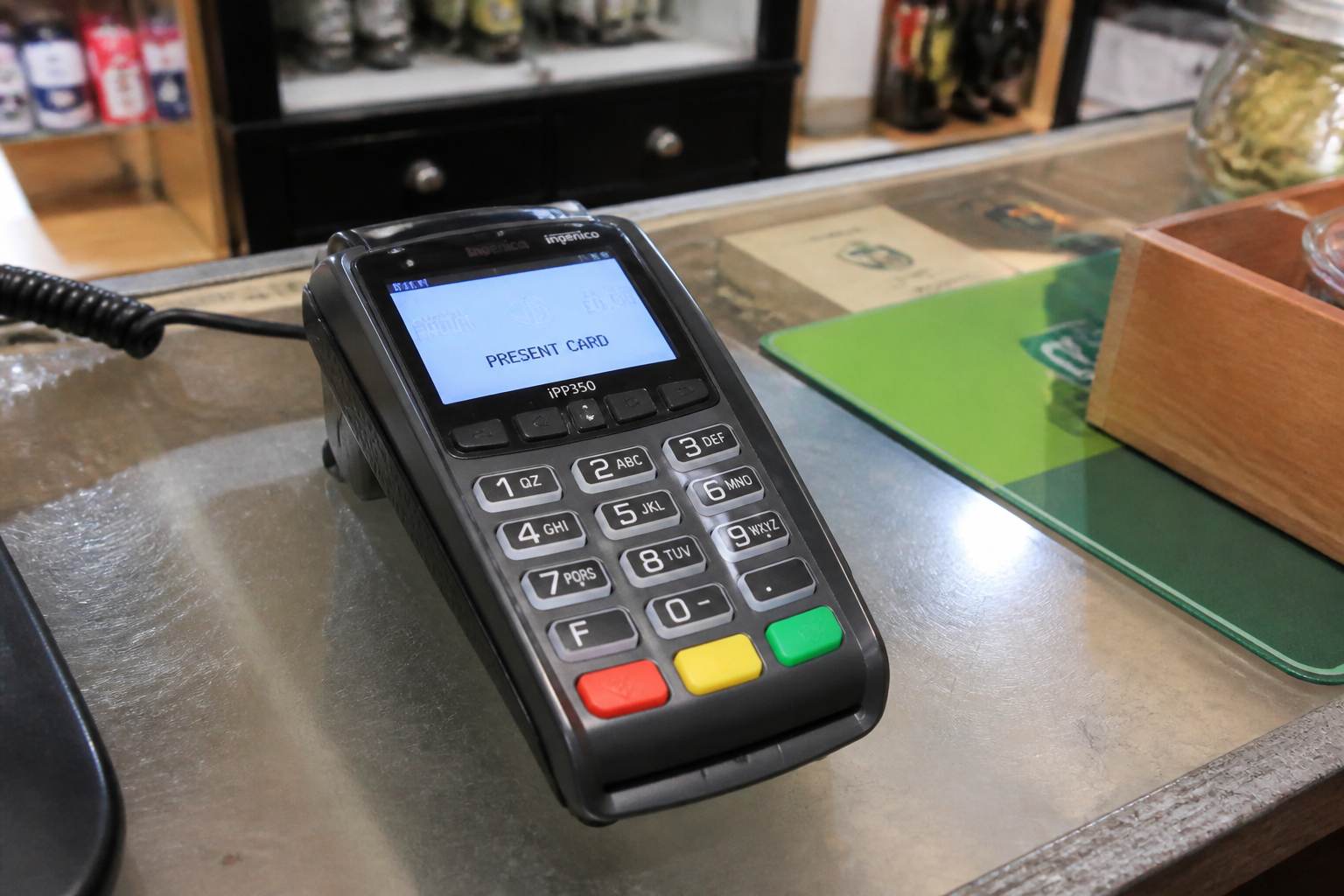
"I need a POS" is the phrase that starts almost every search on this topic, and it's also the vaguest one possible: there are fixed terminals, mobile ones, smart ones, with a SIM, with Wi-Fi, for different sectors with different needs. This is the starting guide: how a POS terminal works, and how to narrow down the choice without getting lost in technical details.
How a POS terminal actually works
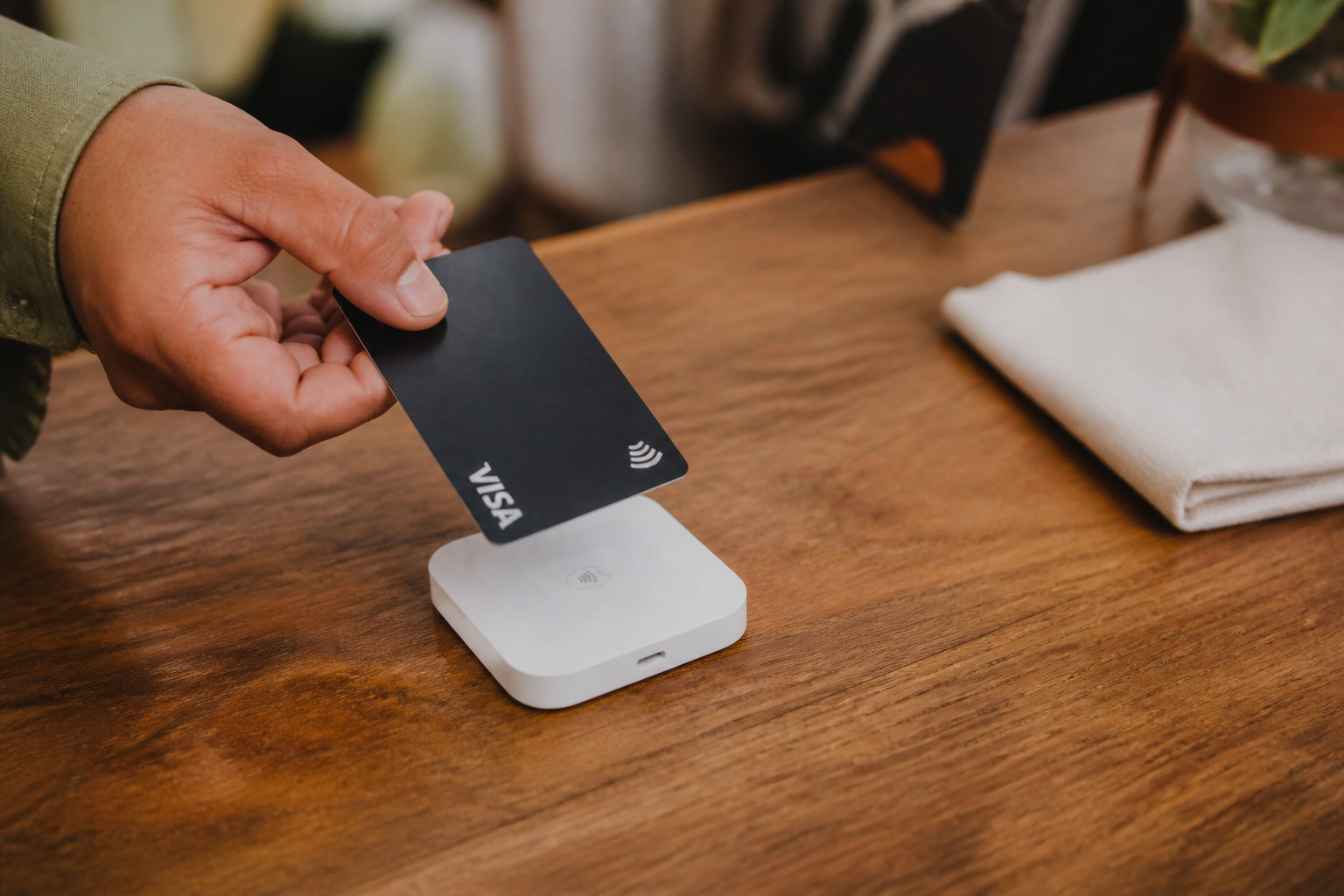
When you swipe or tap a card, the POS reads the data, encrypts it, and sends it to the payment processor, which checks with the customer's bank whether funds are available.
The whole process takes a few seconds and involves several parties: your payment service provider, the card network (Visa, Mastercard...), and the customer's bank.
Funds don't arrive on your account instantly: there's a settlement time, which varies from one to a few business days depending on the provider and settlement type chosen.
The terminal families that exist
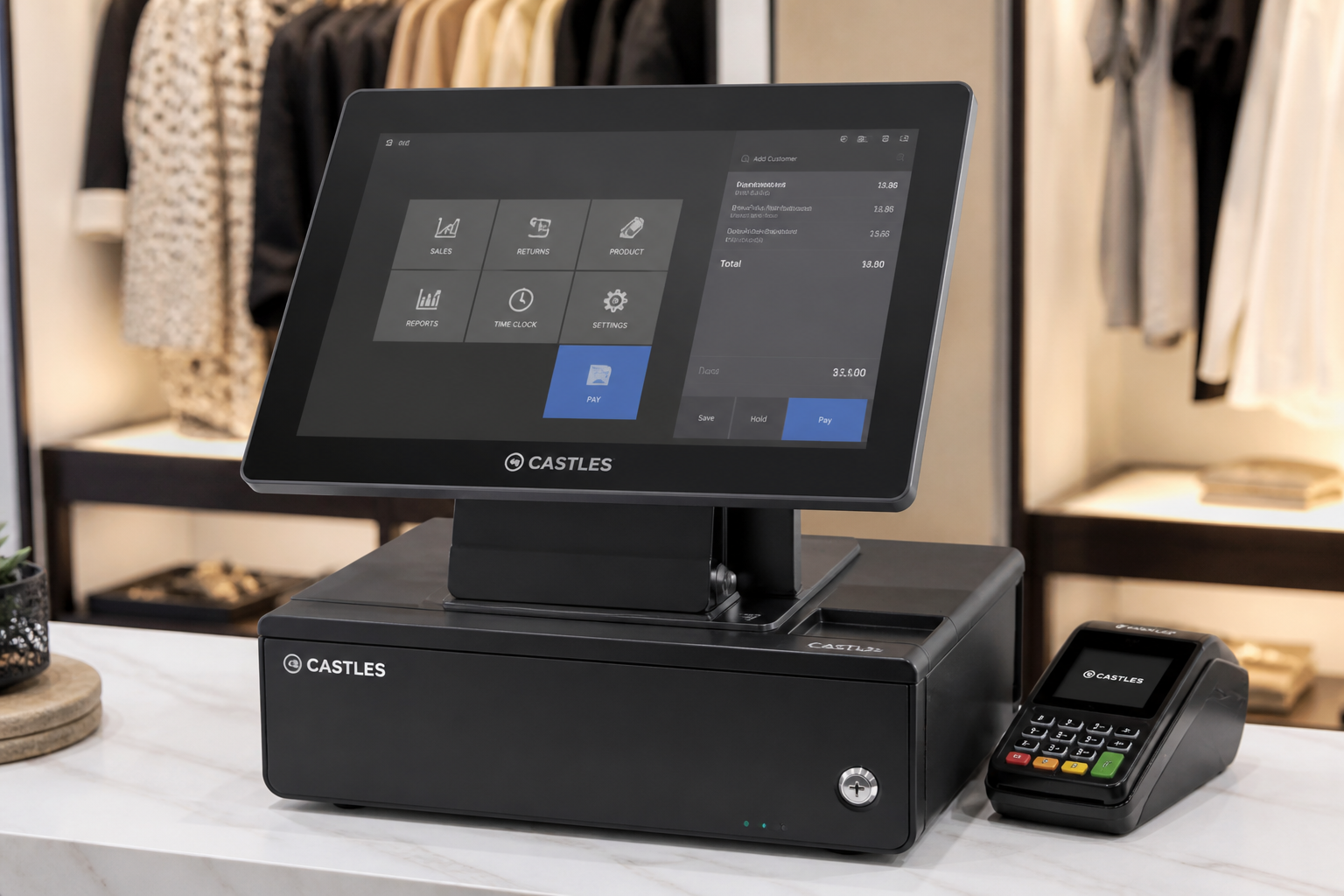
Fixed counter terminal: built for a stable till position, often the cheapest and simplest to use.
Mobile/wireless: detaches from its base, ideal for table service or assisted sales in a shop.
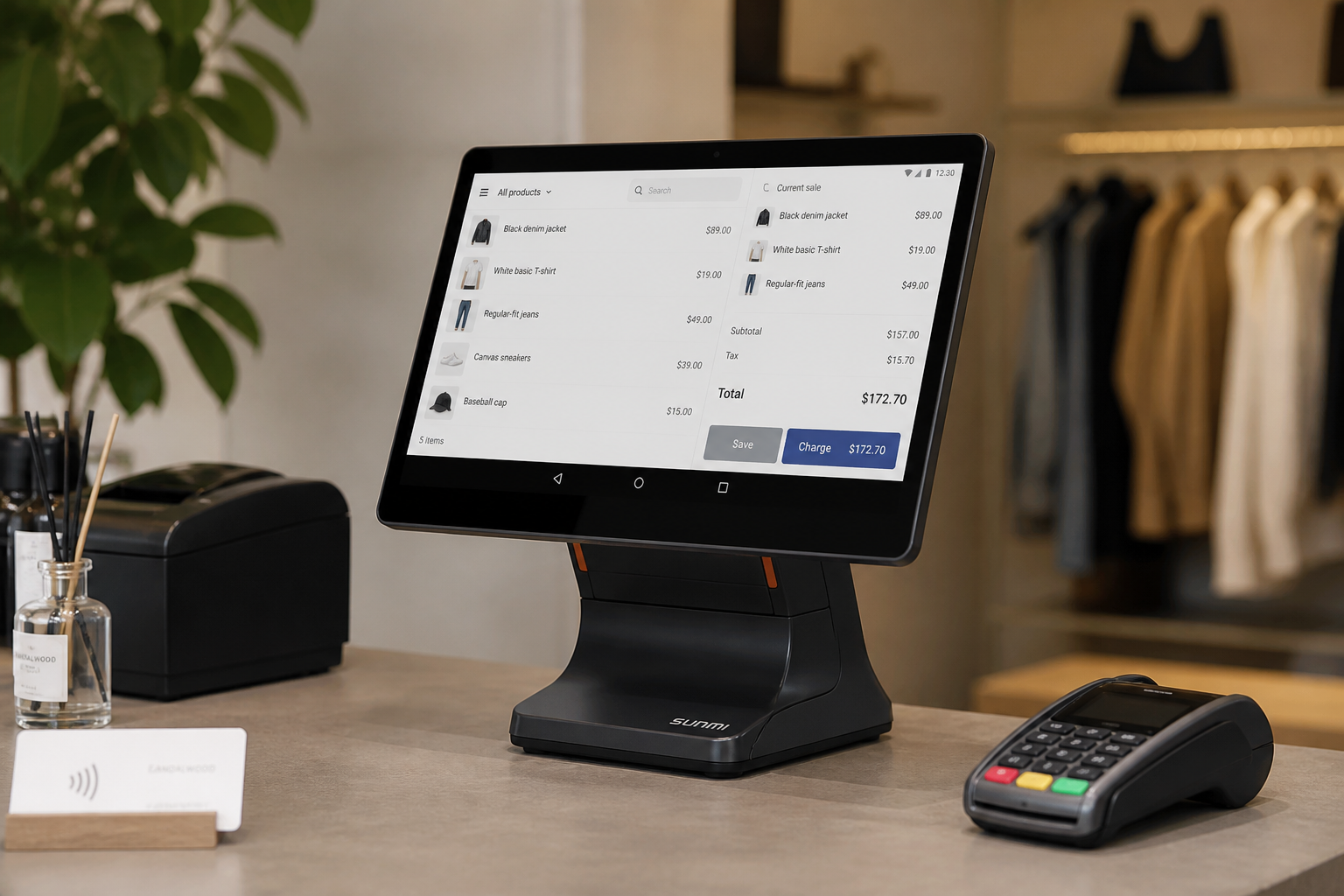
Smart (Android): supports extra apps, advanced till management, software integrations.
POS app on a smartphone: turns the phone into a card reader, the cheapest solution for those starting out or with low volumes.
How to narrow the choice with three questions
Do you move around while working, or do you always stay in the same spot? This defines whether you need a fixed or a wireless/mobile terminal.
Do you need extra software features (order management, loyalty, advanced reporting)? This defines whether you need a smart model or a traditional one is enough.
How many transactions do you process a month? This defines whether a fixed fee with low commissions makes sense, or a higher-commission model with no fee.
- A POS terminal always involves three parties: your provider, the card network, and the customer's bank.
- Funds don't arrive instantly: always check your provider's real settlement times.
- The type of terminal you need depends on how you work (fixed, mobile) more than on the brand.
- Narrow the choice down with three simple questions before looking at specific models.
- Choosing a terminal based on looks alone, without considering how you actually work.
- Not asking for real settlement times before signing a contract.
- Paying for smart features you'll never use in your day-to-day business.
Frequently asked questions
It varies a lot: from a few euros a month for a smartphone POS app, to higher fees for smart terminals with advanced features. Always compare total annual cost.
With the more modern providers, often just a few business days from request to activation, provided you have your company documentation ready.
It depends: some terminals are tied to a single provider, others are compatible with multiple payment processors. Always check before buying, if you expect to switch providers in the future.
Find the right terminal for your business
Daevon offers fixed, wireless, smart, and app-based POS solutions: we help you choose based on how your business really works.