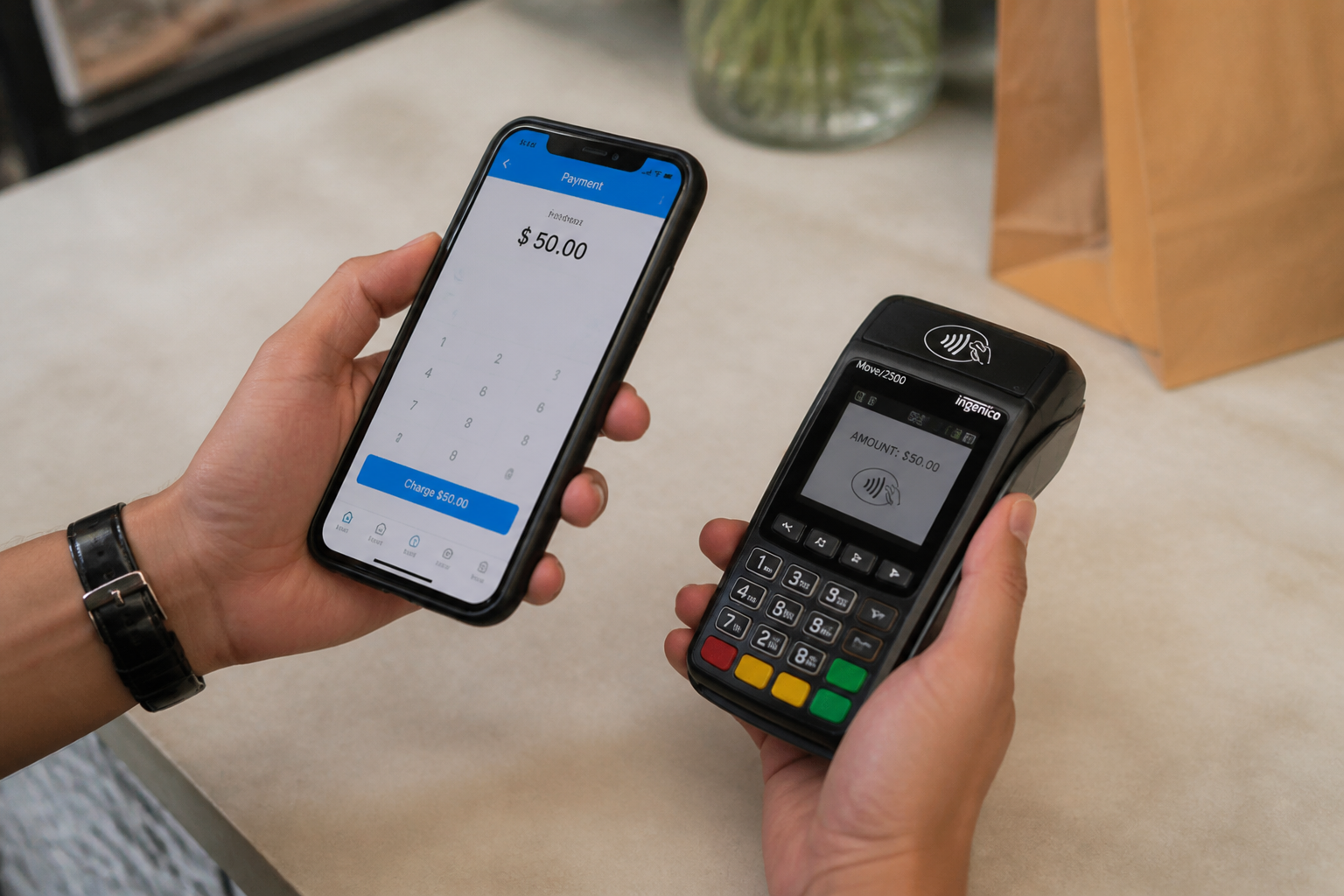











POS app: how to turn a smartphone into a till that gets paid
You don't need to buy expensive hardware to accept a card. Sometimes the phone already in your pocket is enough.
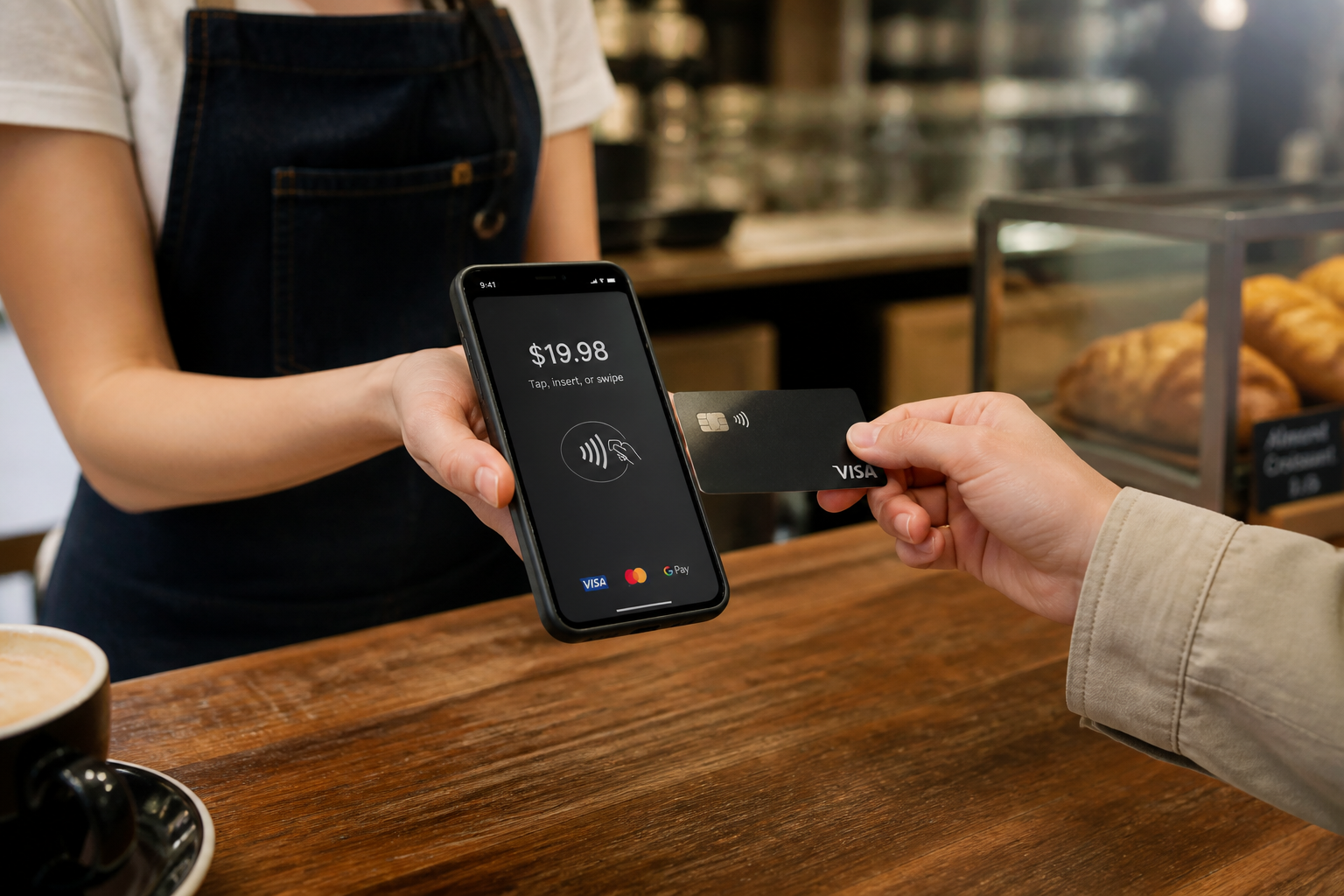
You've just started a business, volumes are low and unpredictable, and buying a dedicated POS terminal feels like a disproportionate investment. A POS app solves exactly this problem: it turns your smartphone into a device capable of accepting card payments, often with no fixed monthly cost at all.
How a POS app actually works
You download an app provided by your payment processor, connect it to a small card reader (often via Bluetooth) or, on newer models, use the smartphone's own NFC chip directly with no external accessory.
The payment is processed with the same level of security as a traditional terminal: the app doesn't handle sensitive card data in plain form, it encrypts it and sends it to the processor.
Who it's really built for
Newly launched micro-businesses, where it makes no sense to invest in dedicated hardware before knowing your real sales volumes.
Seasonal or occasional businesses (markets, sporadic events), where a fixed terminal would sit unused for most of the year.
Professionals who invoice occasionally and want a fast way to get paid, with no long-term commitment.
The limits to know before choosing
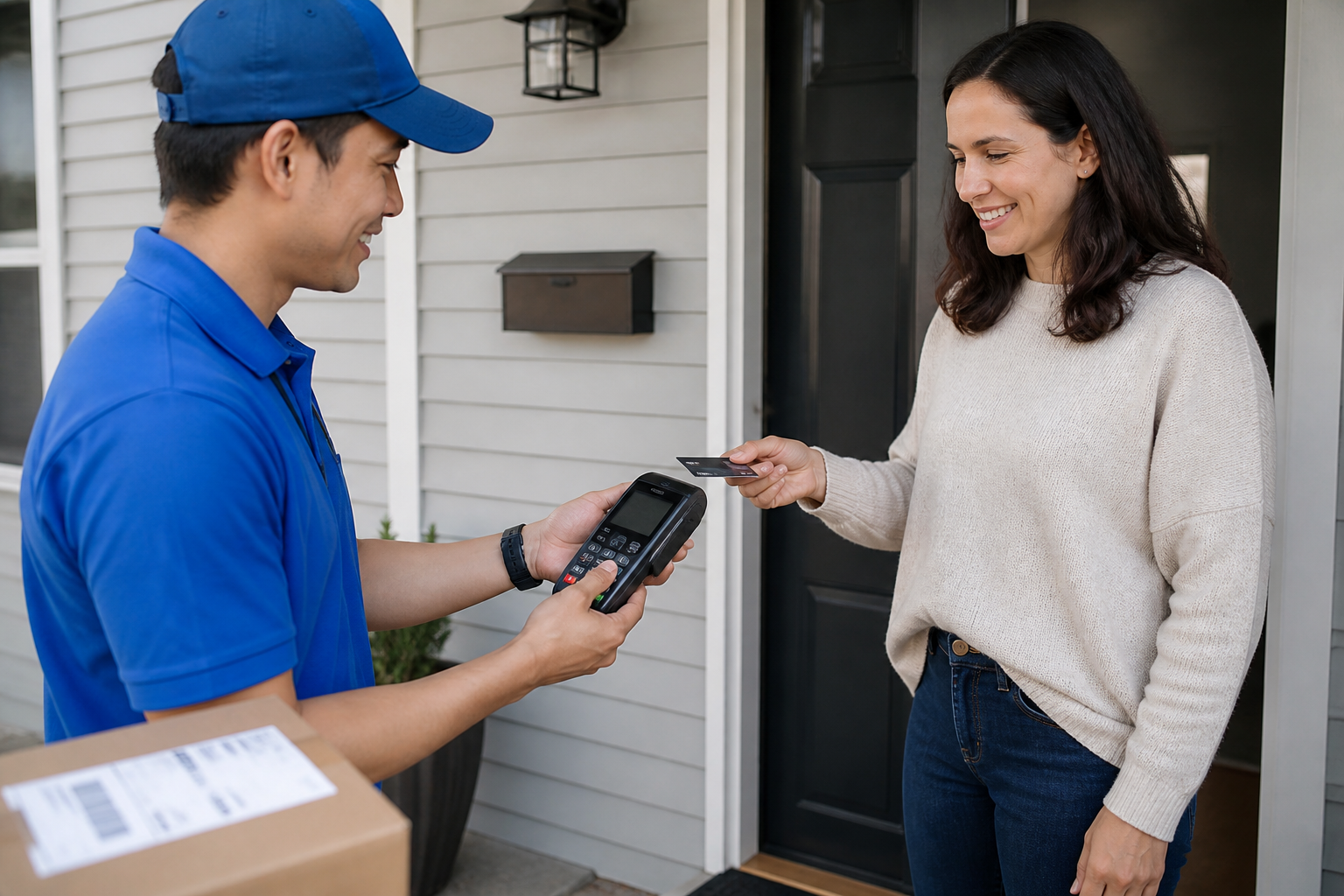
If your volumes grow a lot, a POS app's per-transaction fees (often higher than a dedicated terminal with a monthly fee) start to outweigh a small fixed fee.
Relying on a personal smartphone (battery, connection, operating system updates) introduces a fragility a dedicated terminal doesn't have.
- A POS app turns a smartphone into a payment device, often with no fixed monthly cost.
- It's the cheapest choice for those starting out or with low, unpredictable volumes.
- With high volumes, per-transaction fees can exceed the cost of a dedicated terminal.
- Relying on a personal smartphone is a limit worth considering for heavy daily use.
- Sticking with a POS app once volumes have grown to the point where a dedicated terminal is cheaper.
- Not checking the app's security and certification before using it for real transactions.
- Depending on a single smartphone with no backup plan in case of a fault or dead battery.
Frequently asked questions
Yes, if provided by a certified payment processor: card data is always encrypted and never travels in plain form on the smartphone.
It depends on the model: some apps require a small Bluetooth reader, newer ones use the smartphone's built-in NFC chip directly.
Often yes, in exchange for no fixed monthly fee: the best choice depends on your real transaction volumes.
Start getting paid with no upfront investment
Daevon's POS app turns your smartphone into a secure, certified till, ready in a few minutes.